Monitoring token usage
Invite-only access
Access to Cleura AI services is currently invite-only.
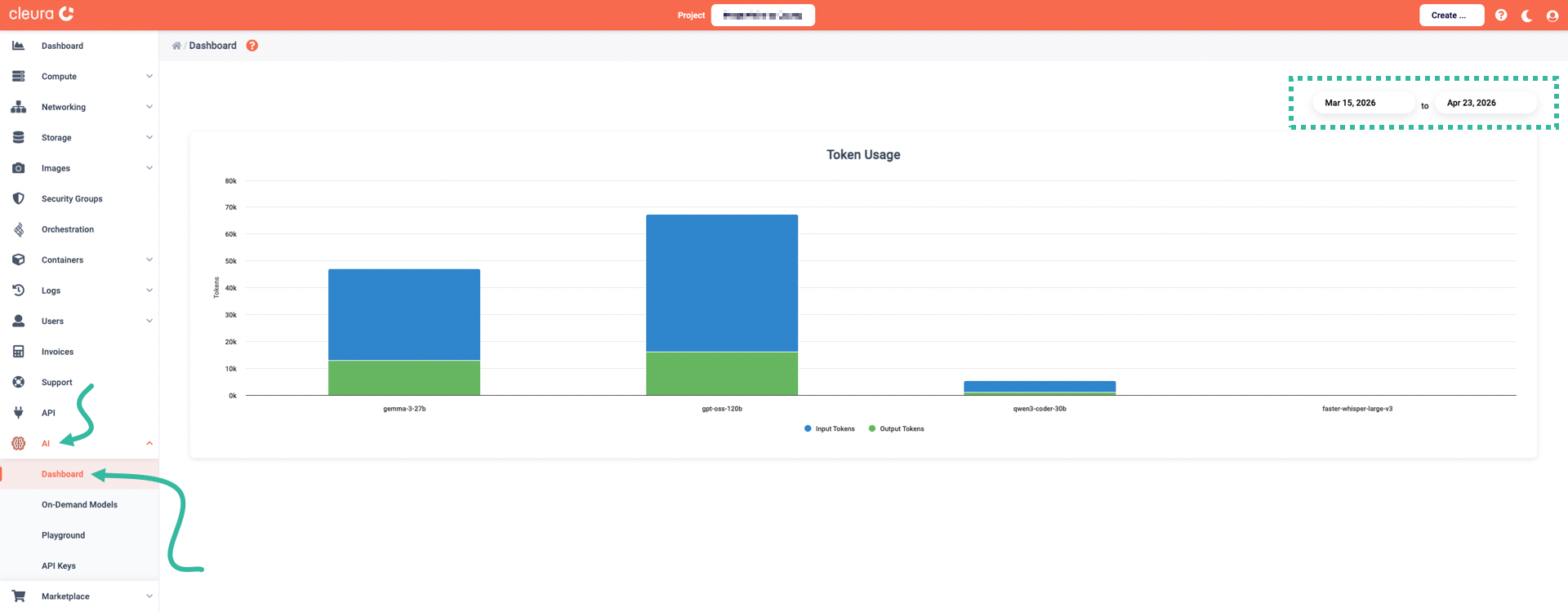
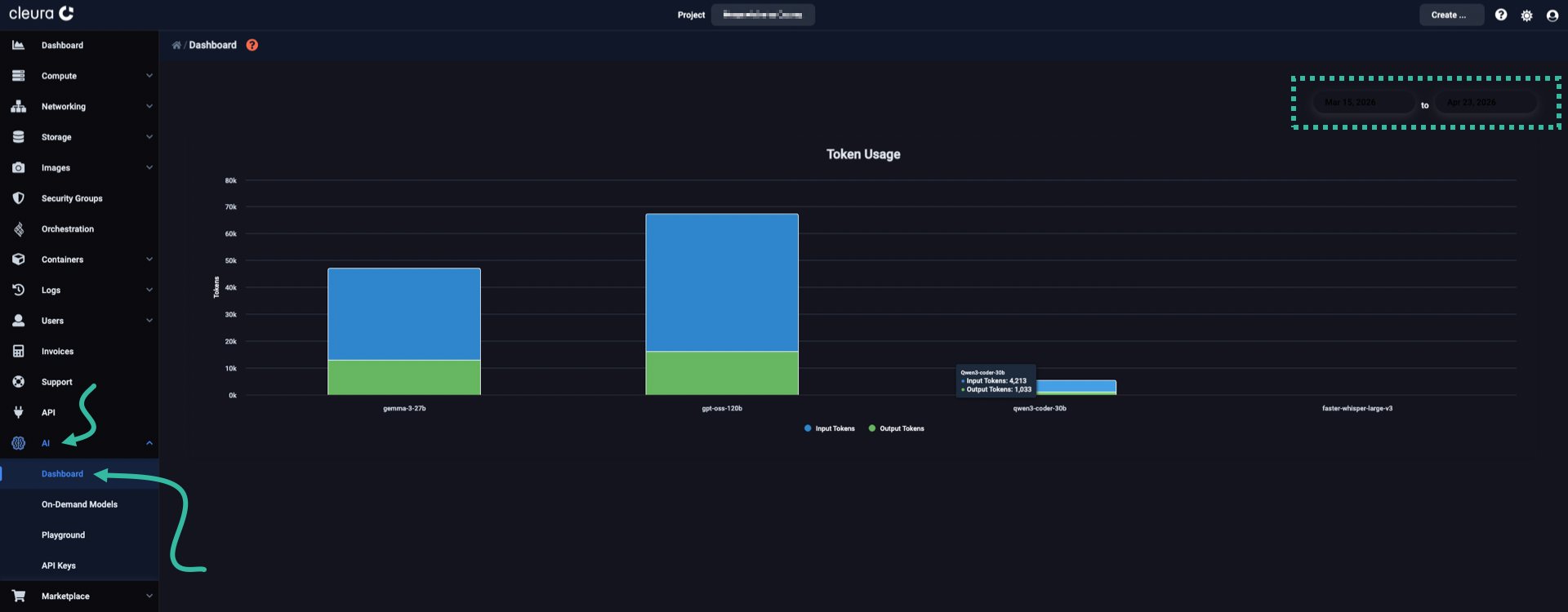
In the Cleura Cloud Management Panel, expand the vertical pane at the left and click on AI. To monitor your token usage, select Dashboard. On the main page, also called Dashboard, you have a graphical view of your token usage broken down by LLM.
Please note that you may set a date-range, and get a graphical overview of your daily token usage.